Sharing Workspaces
Collaborate with teammates by sharing compressed, stateless workspace URLs with multi-algorithm optimization.
Last updated:
DataLensia allows you to share your entire data environment without a backend database. We achieve this through Stateless Sharing — everything is encoded directly in the URL.
🔗 How it Works
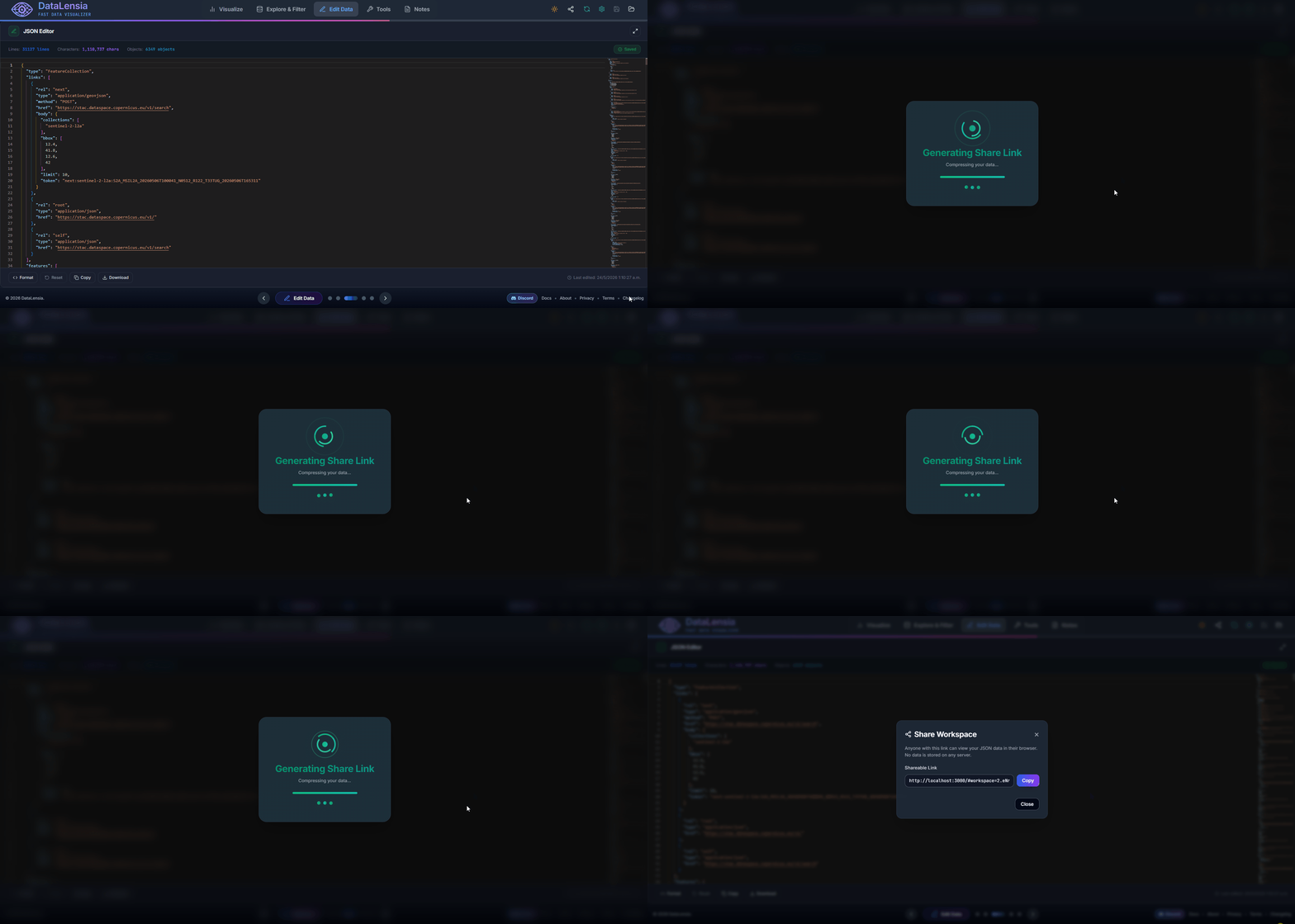
When you click Share, DataLensia:
- Takes your current data and configuration.
- Compresses it using multiple algorithms simultaneously.
- Selects the smallest output automatically.
- Encodes it into a URL-safe fragment.
The resulting link contains everything needed to reconstruct your workspace. When someone opens the link, their browser decompresses the data and recreates the environment locally.
⚙️ Compression Algorithms
DataLensia uses four compression strategies and automatically picks the shortest output:
| Version | Algorithm | Best For |
|---|---|---|
| V1 | LZ-String (URI-safe) | Legacy payloads and extremely small data (< 2KB) |
| V2 | Pako Deflate + Base64url | Medium data (2–50KB), general use |
| V3 | Columnar encoding + Pako Deflate | Arrays of objects (tabular data) |
| V4 | Column-major Columnar + Key aliasing + deflateRaw + Custom Static Dictionary | Any workspace configuration, producing the shortest URLs possible (up to 15% reduction over V3) |
V3 is especially effective for arrays of uniform objects (like API responses or CSV data) because it separates keys from values, dramatically reducing redundancy before compression.
V4 builds on V3 by recursively shortening internal workspace property keys (key aliasing) and deflating using a static pre-defined Huffman/LZ77 dictionary containing common JSON keys and structural symbols, resulting in URLs that are 10–15% shorter than V3.
✨ Benefits
- No Account Required: Share your data and transformations instantly with anyone.
- Privacy: Data is only transferred between you and the recipient via the URL — nothing is stored on our servers.
- Consistency: Your teammates see exactly what you see, including the same transformation results.
- Backward Compatible: Old V1 links continue to work indefinitely.
⚠️ Limitations
- URL Length: Most browsers support URLs up to ~64KB. If your dataset is larger than this after compression, you will be prompted to share just the transformation logic instead of the full data.
- Messaging Platforms: Slack, Teams, and Discord may truncate URLs over ~4000 characters. For larger payloads, DataLensia warns you and suggests alternatives (export as file).
📍 Where to Find the Share Button
The Share button (🔗) is located in:
- Workspace: In the top-right corner of the workspace header.
- Standalone Tools: In the action bar of tools such as the Editor, Comparator, Validator, and Diagram Visualizers.
🛡️ Privacy Note
URL fragments (#data=...) are never sent to the server in HTTP requests. They remain exclusively in the browser. This means:
- DataLensia's servers never see your shared data.
- The data exists only in the URL itself (client-side).
🚀 Try it now
Open or create a Workspace, load a JSON file, click the Share icon in the workspace header, and send the link to a colleague!